Rooms
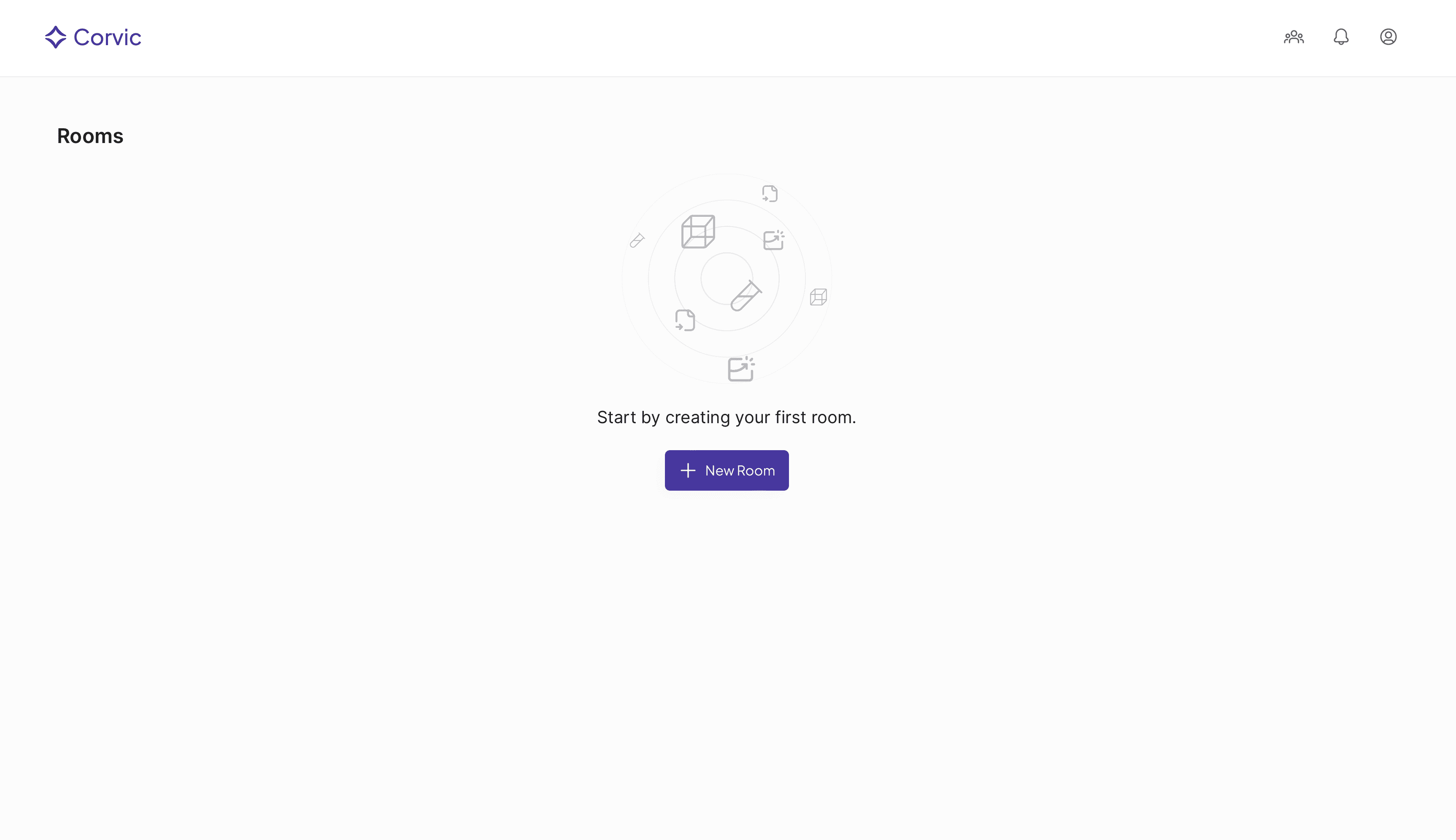
Once you are signed in to your tenant successfully, click on “New Room”, provide a room name and click “Add” to create your new data room.
You will be automatically redirected to newly-created data room.
 Once a room is created, you can create data sources by adding files or connecting to storage buckets. Build custom feature views and embedding spaces to explore you data with more depth.